
Quick Start
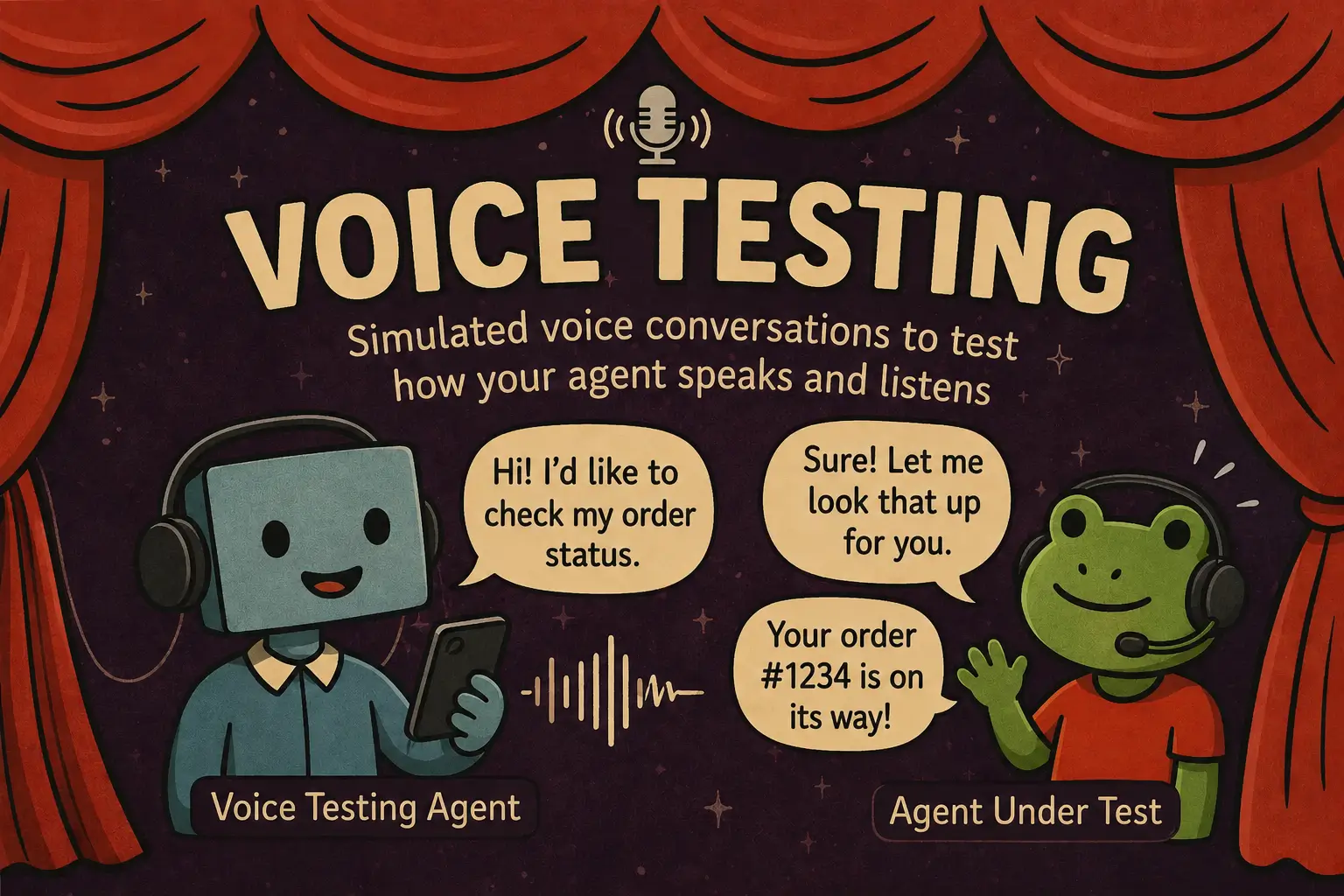
Generate a voice scenario for your agent and run it as part of your normal test suite. Takes about five minutes.
What you'll have at the end: a pytest (or vitest) file using scenario.run that calls your voice agent over its real transport (ElevenLabs, OpenAI Realtime, Gemini Live, Vapi, LiveKit, Pipecat, or Twilio), drives a synthesized caller through a multi-turn conversation, and asserts the agent stays on-task, on-tone, and on-policy.
1. Install Scenario
pip install langwatch-scenario2. Install the /scenarios LangWatch skill
The skill teaches your coding assistant the Scenario API, the voice-adapter capability matrix, and the audio-effect recipes. Once installed it shows up as a slash command in Claude Code, Cursor, Codex, and any other AgentSkills-compatible assistant:
npx skills add langwatch/skills/scenariosOther LangWatch skills (tracing, evaluations, prompts, datasets, recipes) live at the skills directory.
3. Ask your assistant to generate the test
Open your project and run:
/scenarios add voice testing to my agentThe assistant reads your codebase, detects which voice transport your agent is on, picks the matching *AgentAdapter, and wires it to your already-deployed agent rather than spinning up a stranger to test. Each adapter has a different connection point:
| Your transport | The adapter the skill picks | How it talks to your agent |
|---|---|---|
| Pipecat / Twilio Media Streams WS bot | PipecatAgentAdapter(url=...) | Opens a WebSocket to the bot you're already running |
| ElevenLabs hosted ConvAI | ElevenLabsAgentAdapter(agent_id=..., api_key=...) | Dials your hosted ConvAI agent by ID |
| Twilio phone number (PSTN) | TwilioAgentAdapter via TwilioHarness(phone_number=...) | Accepts a real inbound call on your number |
| OpenAI Realtime as the agent | OpenAIRealtimeAgentAdapter(model=..., instructions=..., voice=..., tools=...) | The adapter IS the agent — your prod model, system prompt, voice, and tools mirrored in the constructor |
| Gemini Live as the agent | GeminiLiveAgentAdapter(model=..., system_instruction=..., voice=...) | Same shape — the adapter IS the agent, mirror prod config |
| Text-only agent (no voice transport yet) | ComposableVoiceAgent(stt=..., llm=<your model>, tts=...) | Wraps your existing text agent in STT → LLM → TTS so you can voice-test it without shipping a transport first |
Here's what the generated test looks like for a Pipecat WS bot, the most common path — the url is the connection point to YOUR running bot:
Note:
proceed()drives auto-generated turns on every shipping voice adapter, hostedelevenLabsAgentincluded — see the multi-turn recipe.
import os
import pytest
import scenario
scenario.configure(default_model="openai/gpt-5-mini")
# Your Pipecat bot must be reachable at this URL when the test runs.
# Spin it up in a fixture, point at staging, or `make bot` in another
# terminal — the adapter only connects, it doesn't start the bot for you.
BOT_WS_URL = os.environ.get("PIPECAT_BOT_URL", "ws://localhost:8765/stream")
@pytest.mark.agent_test
@pytest.mark.asyncio
@pytest.mark.timeout(300)
async def test_voice_agent_handles_billing_question():
result = await scenario.run(
name="billing inquiry",
description=(
"Customer calls about a duplicate charge. The agent must "
"acknowledge the frustration, verify identity, and queue a refund."
),
agents=[
# Connects to the user's deployed Pipecat WS bot. To test a
# different stack, swap this for the matching adapter from the
# table above.
scenario.PipecatAgentAdapter(
url=BOT_WS_URL,
audio_format="mulaw",
sample_rate=8000,
),
scenario.UserSimulatorAgent(
voice="elevenlabs/EXAVITQu4vr4xnSDxMaL",
persona=(
"You were double-charged on your last invoice and you "
"are frustrated. Speak naturally on the phone, 1-2 short "
"sentences per turn."
),
audio_effects=[
scenario.effects.background_noise("cafe", 0.4),
scenario.effects.phone_quality(),
],
),
scenario.JudgeAgent(criteria=[
"The agent acknowledged the frustration before pivoting to logistics",
"The agent verified identity before any account action",
"The agent moved toward resolving the double charge (refund, escalation, callback)",
]),
],
script=[
scenario.agent(),
scenario.user(),
scenario.proceed(turns=5),
scenario.judge(),
],
)
assert result.successThe skill knows the voice-specific bits a code-only assistant would miss: how to seed an ElevenLabs voice on the user simulator, when to layer audio effects (background_noise, phone_quality), how to script around server-VAD turn-taking on hosted ConvAI transports, and which adapter capabilities (nativeVad, dtmf, streaming transcripts) your scenario depends on. Critically, it picks the adapter whose connection point matches what you've actually deployed — pointing PipecatAgentAdapter at a URL your bot doesn't serve, or leaving placeholder instructions on OpenAIRealtimeAgentAdapter, would mean testing nothing useful.
4. Run it
Run your usual test command, or ask your coding assistant to run it and watch it for you. Voice scenarios are slower than text — TTS + transport latency + multi-turn means each run can take 30–120 seconds — so give your test runner a generous per-test timeout.
While it runs, you get a live transcript of both sides of the call and the judge's per-turn verdict. When it finishes you have a recordings/<scenario>/full.wav you can listen back to, plus the criteria pass/fail breakdown.
5. View the run in LangWatch
If you've instrumented your agent with LangWatch, every voice scenario appears in the Simulations dashboard: full audio playback for both sides, per-segment transcripts, the judge's reasoning, and side-by-side comparison across runs so you can tell whether a prompt change made your agent more or less robust to that angry-customer-in-a-cafe edge case.
Next steps
- How to choose an adapter — pick the adapter for your stack
- Capability matrix — per-adapter feature support table
- Audio effects — background noise, codec degradation, custom WAVs
- Multi-turn conversations — judging conversational continuity, not just per-turn correctness
- Interruptions — barge-in, server-cancel, VAD-driven fallback
- Python voice examples on GitHub and TypeScript voice examples — runnable demos per adapter and use case
- Voice agents feature file — full behavioral contract